Markdown → Ebook

Your markdown files,
turned into beautiful books.

Upload a ZIP, set a cover, pick your style, hit export. Professional EPUB and PDF — no CSS wrestling, no expensive software.

Get Markbook for $20

One-time payment. Runs locally on your machine. No account needed.

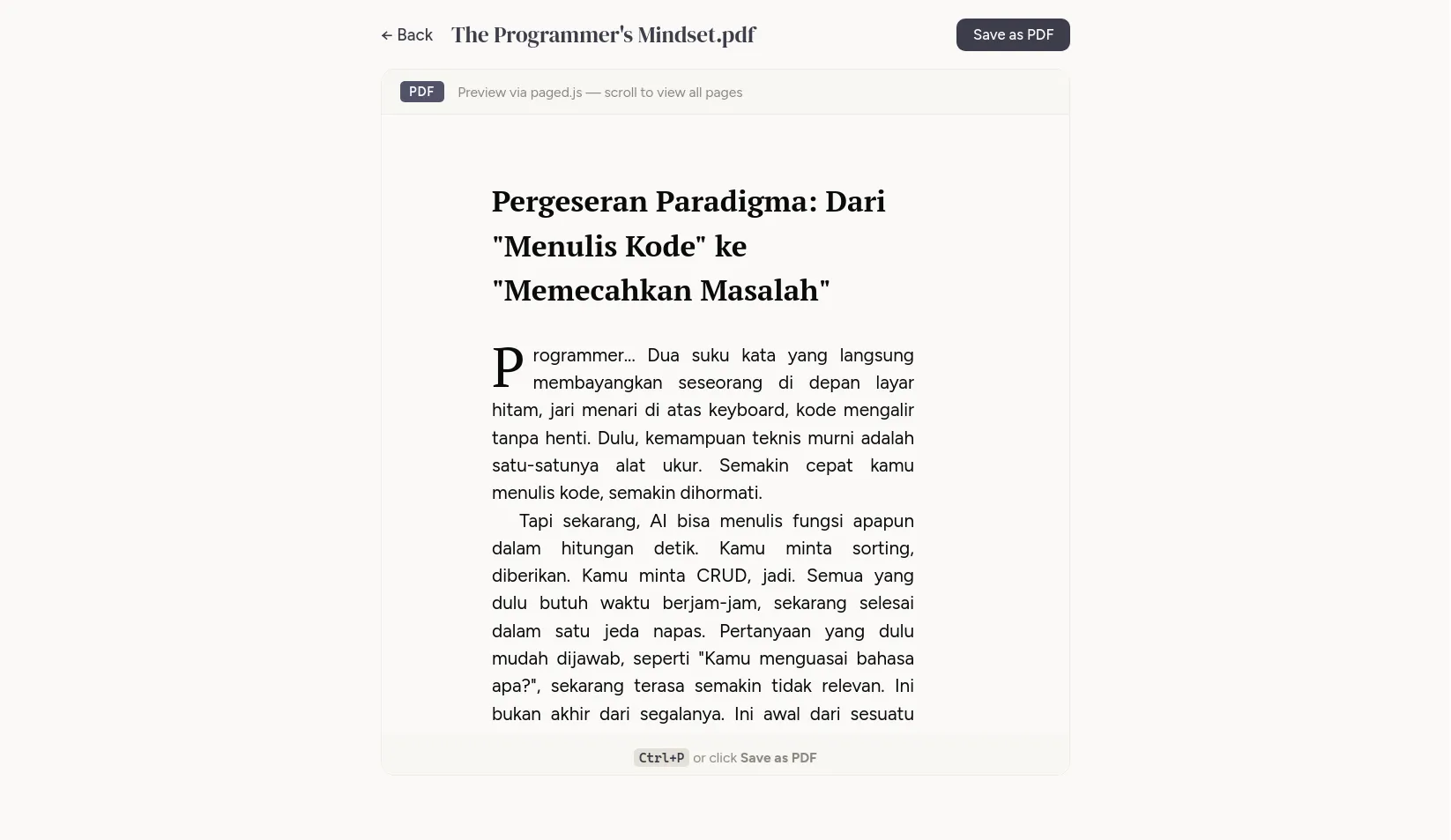
Markbook PDF preview showing beautiful typography

The Problem

Markdown is great for writing.
Exporting is where it falls apart.

You write in markdown because it's fast, clean, and distraction-free. But when it's time to produce a real book, the kind with proper chapters, typography, and formatting, everything falls apart.

Copywriter

Expensive alternatives

iA Writer and Typora can't handle EPUB properly: chapters merge together, no paragraph indentation, no clear separation. Atticus ($147) and Scrivener ($59.99) can, but that's a lot for a side hustle.

Programmer

Copy-paste to Google Docs. Again.

So you copy-paste everything into Google Docs and spend an hour manually fixing bold, italic, hyperlinks, and image placement. Every. Single. Time. You export.

Student

Never used this kind of tool before

You just need your notes as an ebook for studying. But every tool you find requires a tutorial, a command line, or a subscription just to get started.

Product Builder

AI writes the docs, then what?

You ask AI to scan your codebase and generate comprehensive user guides in markdown. But then you need to turn those files into polished PDFs or ebooks to share with users, investors, or customers. Another round of formatting headaches.

Three steps. That's it.

No configuration files. No command line. No learning curve.

1

Upload your ZIP

Drop a ZIP containing your .md files and images. That's your entire book.

2

Set your style

Pick a cover image, heading font, body font, paragraph style, paper size, and language.

3

Export

Hit the export button. Get a beautiful EPUB or PDF. Preview before you download.

What People Say

They tried it. Here's what happened.

I tried iA Writer, Typora. They're weak at exporting EPUB. You end up wrestling with CSS. Atticus costs $147, Scrivener $59.99. Markbook is $20 and really solves my pain points.

Hanif Mahaldi

Professional Copywriter · Writes ebooks as side hustle

No more juggling with text formatting and image layout. Upload ZIP, set the cover, configure export settings, hit export. Done. This is really what I need.

Adi Purnama

Software Engineer · Writes technical & non-technical books

I never used similar software before. I just needed my markdown notes as an ebook. Markbook made it dead simple: upload, configure, export. That's it.

Bambang Prakoso

University Student

I use AI to generate user guides by scanning my codebase. Markbook turns those markdown files into beautiful PDFs I can share with customers. No manual formatting needed.

Rudi Pratama

Indie Maker · Builds SaaS products

FAQ

Common questions

How much does it cost?

Markbook is a one-time purchase of $20, available on Gumroad. No subscription, no hidden fees.

What format do my source files need to be?

Standard markdown (.md). Put them in a ZIP file along with any images. That's it.

Can I include images?

Yes. Include them in your ZIP and reference them in your markdown with standard image syntax. They'll appear properly formatted in the exported ebook.

Where do I buy it?

Markbook is available on Gumroad for the global market. One-time payment, instant download.

What export formats are supported?

EPUB and PDF. You can preview both before downloading.

What makes it different from Pandoc?

Pandoc is powerful but requires command-line knowledge and custom templates for beautiful output. Markbook is a visual tool: upload, configure with dropdowns, click export. Built for people who want results, not configuration files.
Stop wrestling with formatting.
Start publishing.

$20 one-time. Runs locally. No account needed.

Get Markbook on Gumroad